2. Conflict 解決手順
github 環境を使って実際に conflict を発生させてみます。
(1)
サンプルとして下記コードを使用します。このコードが現在 github のリモートリポジトリへ登録されている最新コードと思ってください。
// std::jthread サンプル(C++20)
#include <iostream>
#include <thread>
#include <chrono>
#include <stop_token>

int main()
{
    std::cout << "Main: starting std::jthread demo\n";

    // jthread はデストラクタで自動的に join される
    std::jthread worker([](std::stop_token st){
        int i = 0;
        while (!st.stop_requested()) {
            std::cout << "worker: tick " << i++ << "\n";
            std::this_thread::sleep_for(std::chrono::milliseconds(300));
        }
        std::cout << "worker: stopping gracefully\n";
    });

    // メインはしばらく待ってから停止を要求する
    std::this_thread::sleep_for(std::chrono::seconds(2));
    std::cout << "Main: requesting stop\n";
    worker.request_stop();

    // worker のデストラクタで join されるのでここで待つ必要はない
    std::cout << "Main: exiting (worker will be joined in jthread destructor)\n";

    return EXIT_SUCCESS;
}
(2) Aさんが steep_for の値を 300 ⇨ 500 へ変更し、commit & push します
std::this_thread::sleep_for(std::chrono::milliseconds(500));
(3) Bさんが steep_for の値を 300 ⇨ 1000 へ変更し、commit & push します
std::this_thread::sleep_for(std::chrono::milliseconds(1000));
この Bさん の操作でエラーになりました。vscode の画面だと以下を表示しました。
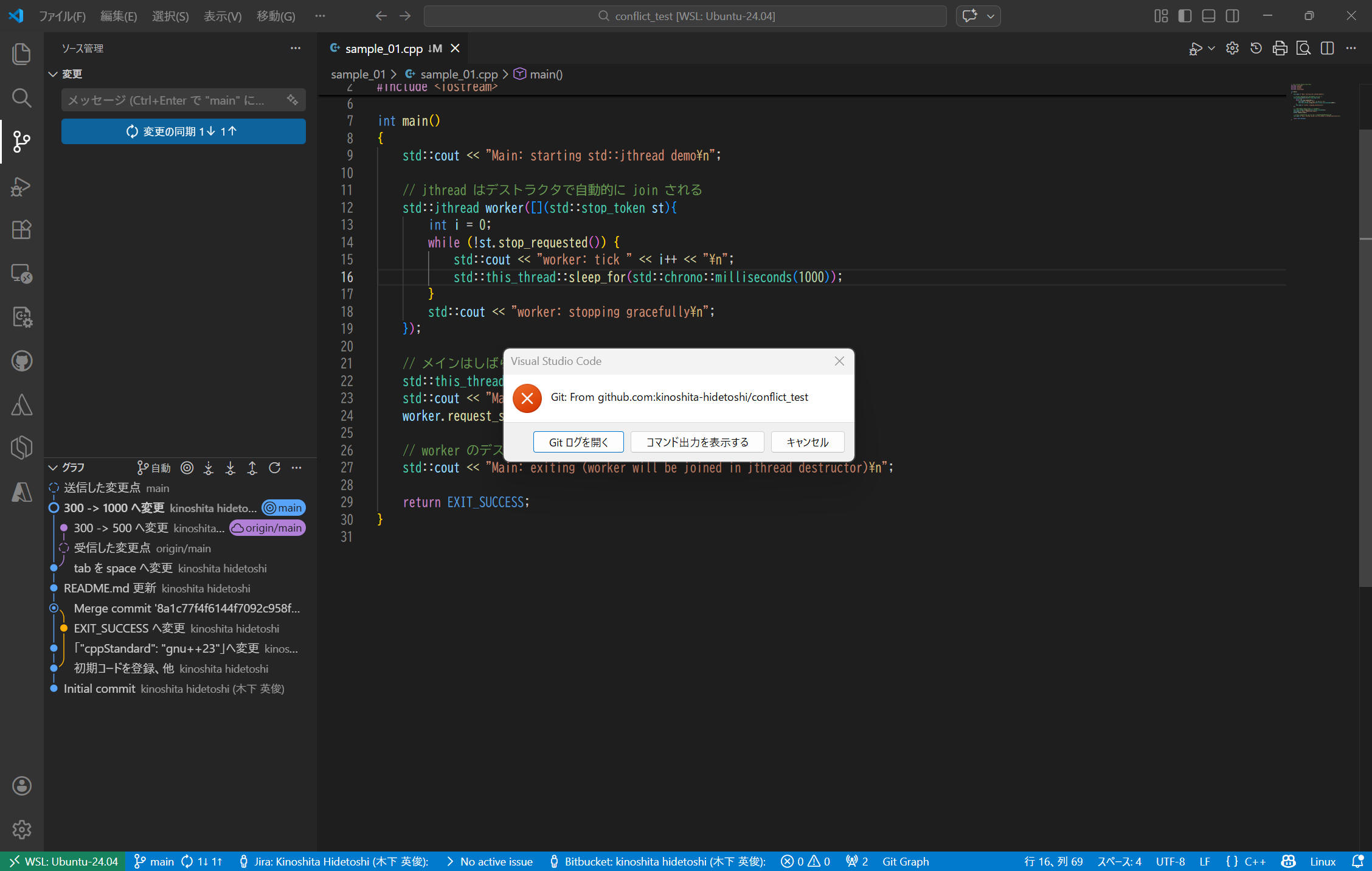
(4)「コマンド出力を表示する」をクリックすると、下記内容を表示しました。
> git pull --tags origin main
From github.com:kinoshita-hidetoshi/conflict_test
 * branch            main       -> FETCH_HEAD
hint: You have divergent branches and need to specify how to reconcile them.
hint: You can do so by running one of the following commands sometime before
hint: your next pull:
hint:
hint:   git config pull.rebase false  # merge
hint:   git config pull.rebase true   # rebase
hint:   git config pull.ff only       # fast-forward only
hint:
hint: You can replace "git config" with "git config --global" to set a default
hint: preference for all repositories. You can also pass --rebase, --no-rebase,
hint: or --ff-only on the command line to override the configured default per
hint: invocation.
fatal: Need to specify how to reconcile divergent branches.
要約すると、git pull を失敗している理由は
「ローカルとリモートの履歴が分岐していて、Git が “マージするのか / リベースするのか / fast‑forward のみ許可するのか” を判断できないため」
ということらしいです。
Git 2.27 以降は、pull のデフォルト動作をユーザーが明示的に設定していない場合、このエラーを出して止まるようになっているそうです。
参考
Git に「どう統合するか」の方針を伝えてあげれば、次回からこの設定に従って自動的に処理されるようになります。コンソールから下記コマンドで設定できます。
- マージで統合したい場合(履歴をそのまま残す)
git config pull.rebase false - リベースで統合したい場合(履歴を直線的にしたい)
git config pull.rebase true - fast-forward のみ許可(履歴が完全に一致しているときだけ pull)
git config pull.ff only
(5) ローカルとリモートが分岐しているので、どれを採用するか決める必要があります。
よくある選択肢は下記3つです。
- merge
- rebase
- fast-forward
参考に記載の git config pull.*** を設定せず、ここでは手動で解決します。
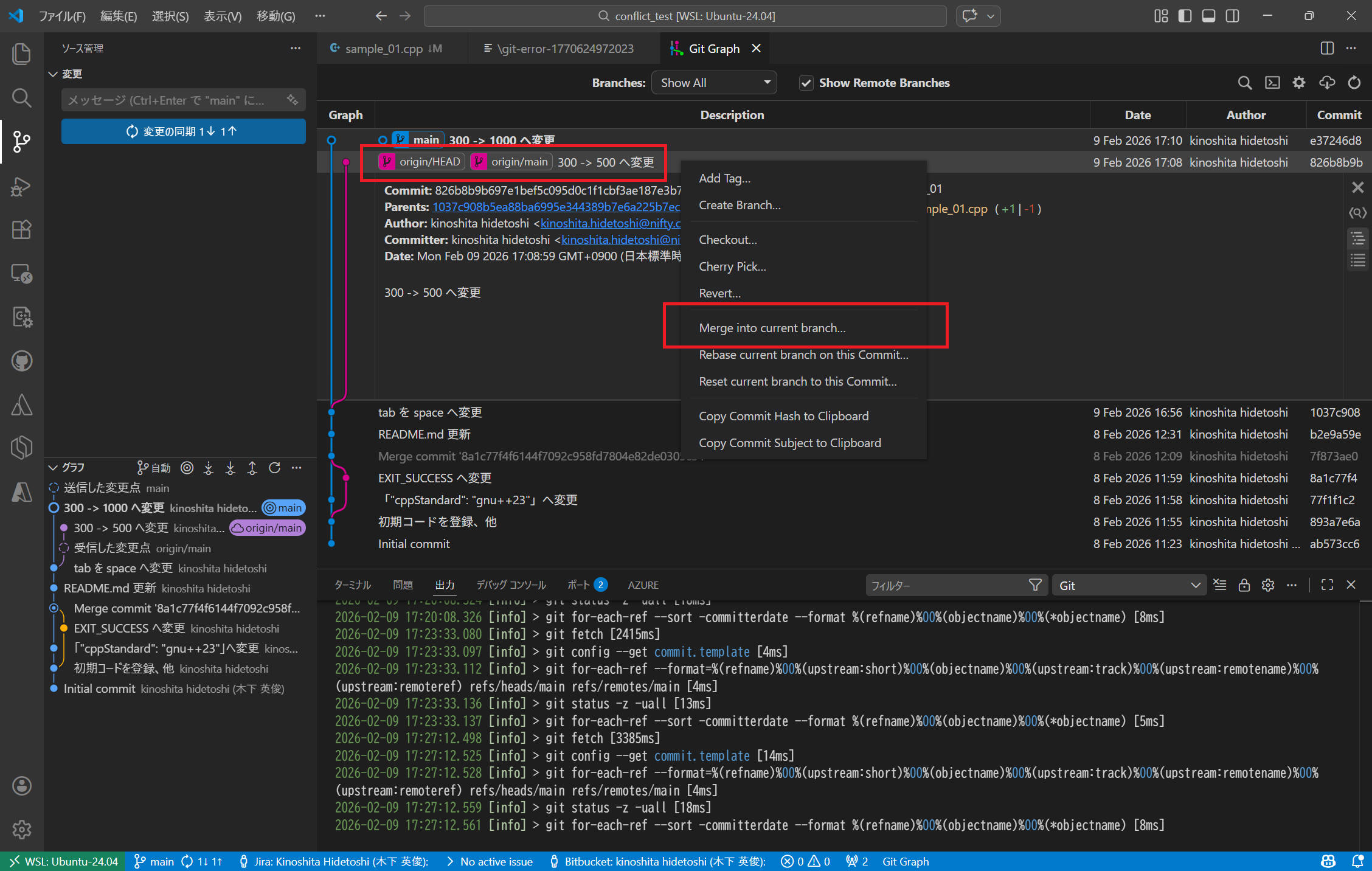
vscode の画面上から remote の HEAD を選択して Merge (Merge into current branch...) します。
下図では "Git Graph" というプラグインの画面で紹介していますが、他のツールを使用する場合も同様です。
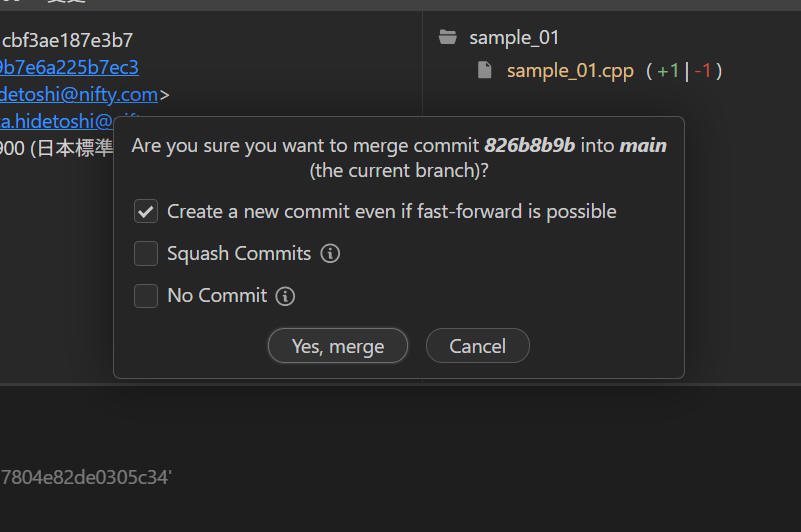
こんな画面を表示したので、そのまま変更せずに[Yes, merge]をクリックしました。
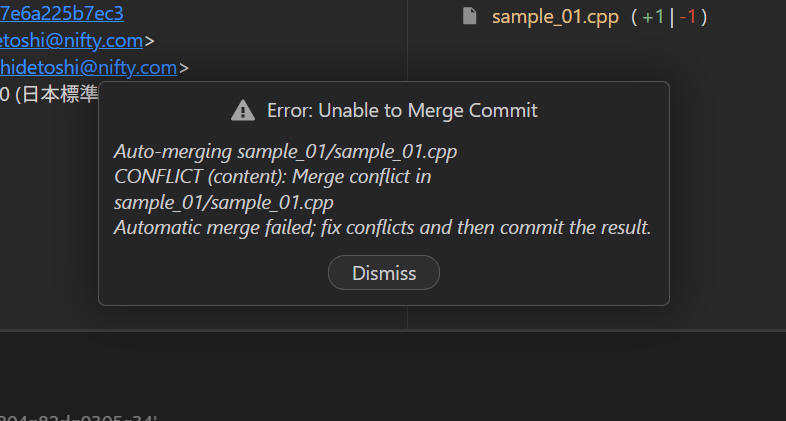
ここで Conflict という表示が出ました。 [Dismiss] をクリックします。
ここで最初に説明した conflict の内容を表示しました。
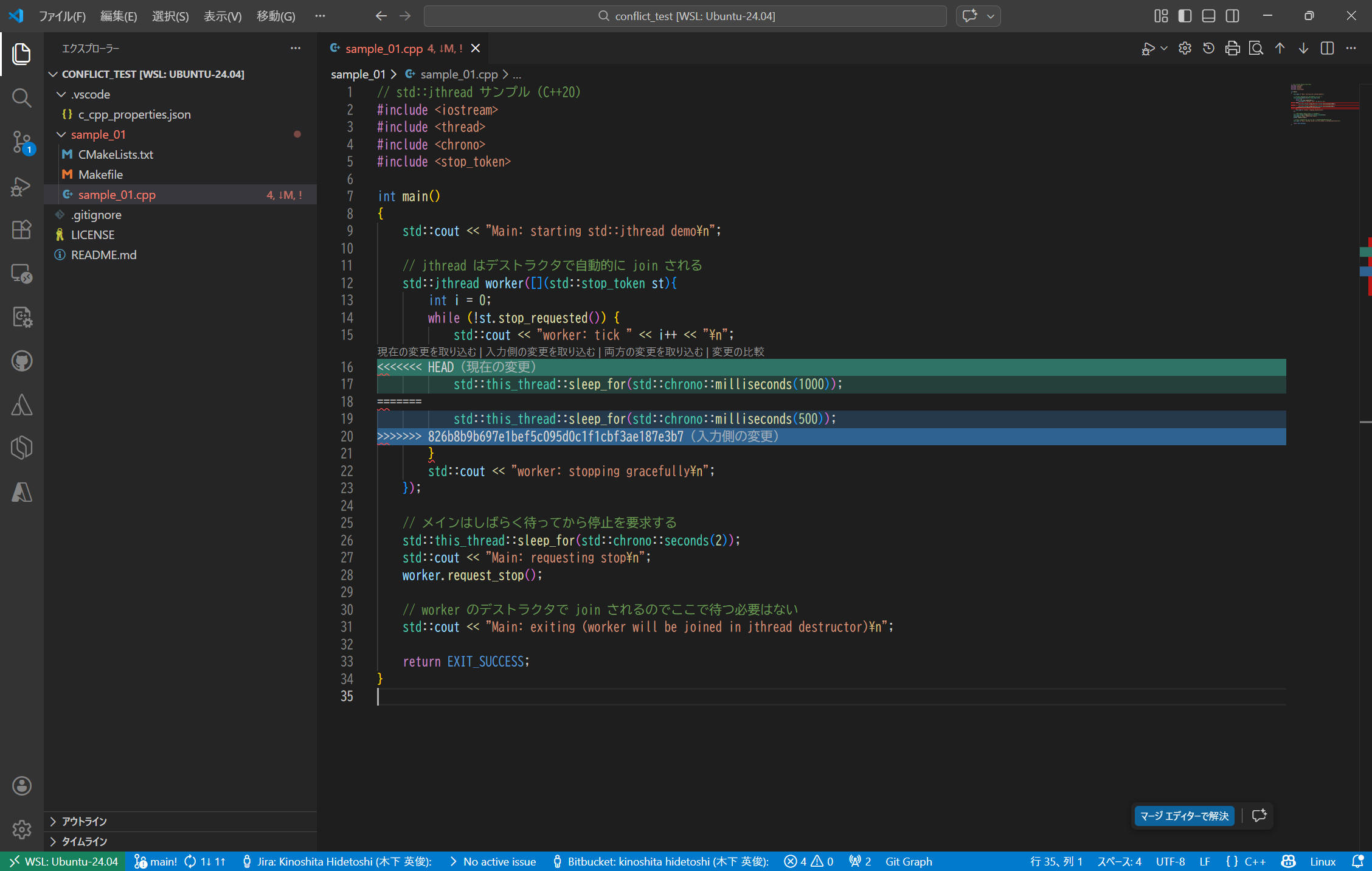
表示内容は以下の通りです。
// std::jthread サンプル(C++20)
#include <iostream>
#include <thread>
#include <chrono>
#include <stop_token>

int main()
{
    std::cout << "Main: starting std::jthread demo\n";

    // jthread はデストラクタで自動的に join される
    std::jthread worker([](std::stop_token st){
        int i = 0;
        while (!st.stop_requested()) {
            std::cout << "worker: tick " << i++ << "\n";
<<<<<<< HEAD
            std::this_thread::sleep_for(std::chrono::milliseconds(1000));
=======
            std::this_thread::sleep_for(std::chrono::milliseconds(500));
>>>>>>> 826b8b9b697e1bef5c095d0c1f1cbf3ae187e3b7
        }
        std::cout << "worker: stopping gracefully\n";
    });

    // メインはしばらく待ってから停止を要求する
    std::this_thread::sleep_for(std::chrono::seconds(2));
    std::cout << "Main: requesting stop\n";
    worker.request_stop();

    // worker のデストラクタで join されるのでここで待つ必要はない
    std::cout << "Main: exiting (worker will be joined in jthread destructor)\n";

    return EXIT_SUCCESS;
}
(6) Conflict 部分を解決します。
ここでは下記の通り std::this_thread::sleep_for(std::chrono::milliseconds(1000)); の方を採用します。修正したら保存します。
vscode 画面上で [現在の変更を取り込む] をクリックでも良いです。
// std::jthread サンプル(C++20)
#include <iostream>
#include <thread>
#include <chrono>
#include <stop_token>

int main()
{
    std::cout << "Main: starting std::jthread demo\n";

    // jthread はデストラクタで自動的に join される
    std::jthread worker([](std::stop_token st){
        int i = 0;
        while (!st.stop_requested()) {
            std::cout << "worker: tick " << i++ << "\n";
            std::this_thread::sleep_for(std::chrono::milliseconds(1000));
        }
        std::cout << "worker: stopping gracefully\n";
    });

    // メインはしばらく待ってから停止を要求する
    std::this_thread::sleep_for(std::chrono::seconds(2));
    std::cout << "Main: requesting stop\n";
    worker.request_stop();

    // worker のデストラクタで join されるのでここで待つ必要はない
    std::cout << "Main: exiting (worker will be joined in jthread destructor)\n";

    return EXIT_SUCCESS;
}
(7) 変更を保存後、再度 commit します。
vscode 画面を見ると、これら操作に伴う変更は2件となっていました。
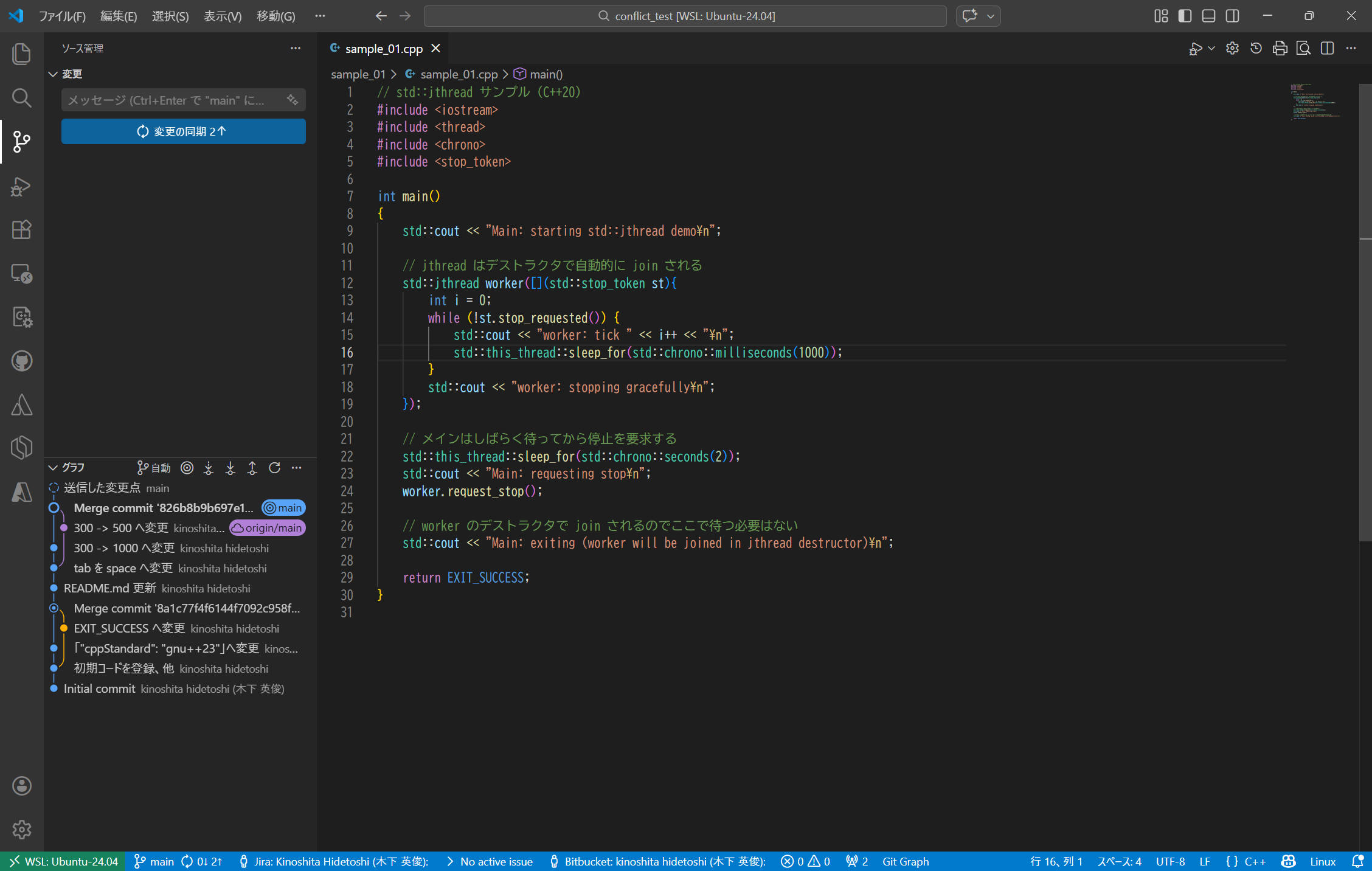
(8) [変更の同期 2↑]をクリックします
これで修正結果を git へコミットすることができました。以上で完了です。